
Your phone is now a slide remote.
> Connected to
presentation PC
presentation PC
Slide Clicker pairs with your computer as a Bluetooth keyboard. Move through your slides from your phone, with nothing to install on the computer and no Wi-Fi to join.
Get it on Google Play Free · Android 9 or later
Prev
Next
Black
Start / Esc
How it works
01
Pair once
Tap Pair new device, then pick your phone in the computer's Bluetooth settings. The app has a step-by-step guide for each system.
02
Press start
Next time, just tap Start and connect from the computer. Open your slideshow and you're ready.
03
Present
Tap the big keys, or switch on the volume-button option and change slides without looking at your phone.
Take a look
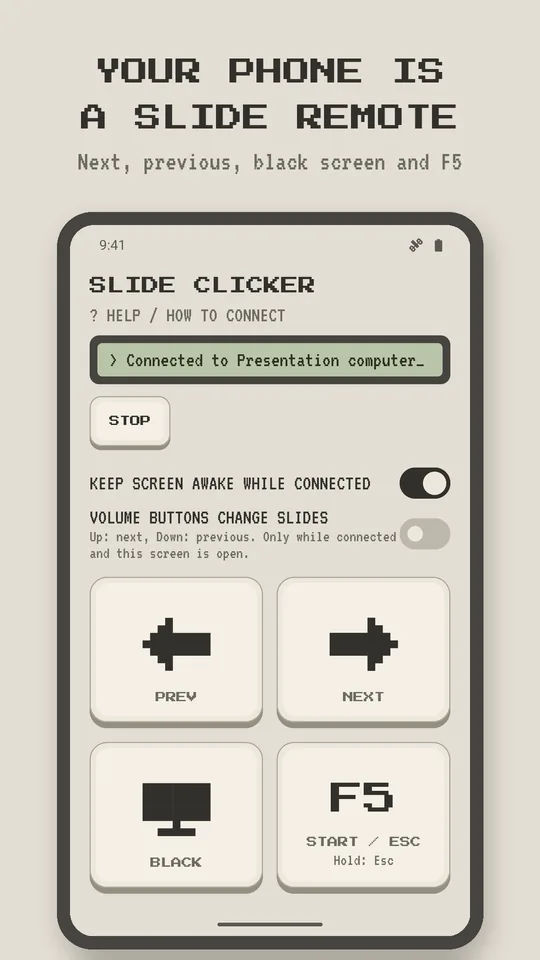
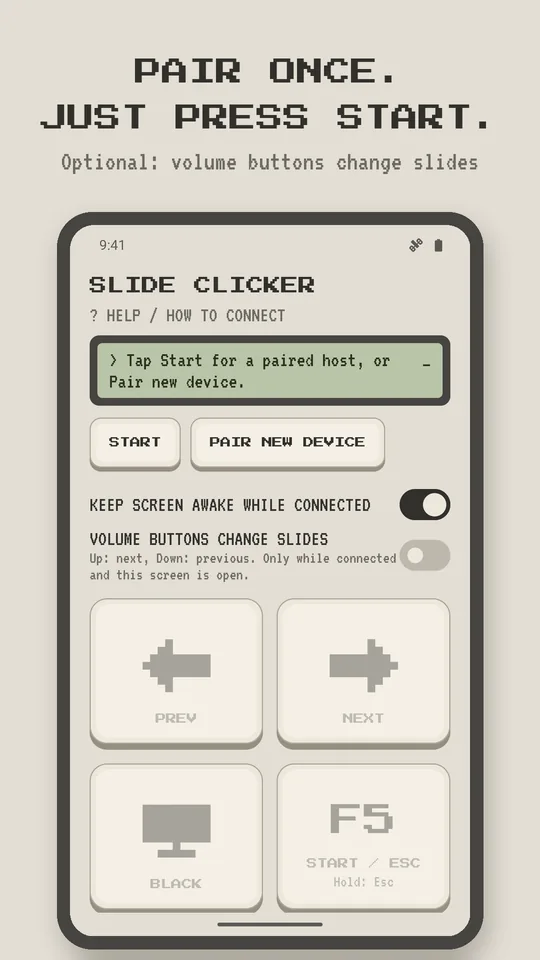
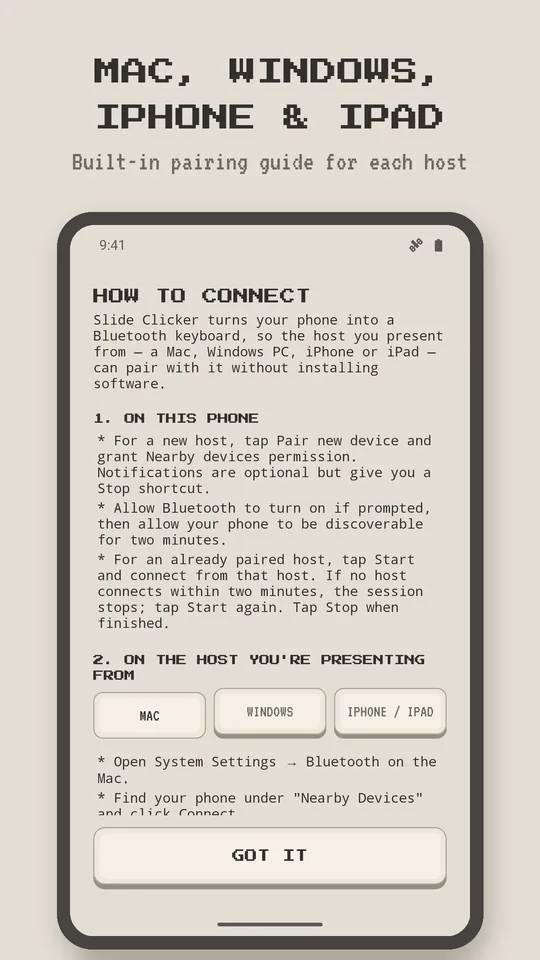
What each key sends
| Key | Sends | Usually does |
|---|---|---|
| Prev | ← | Previous slide |
| Next | → | Next slide |
| Black | B | Blacks out the screen in most slideshow apps |
| Start / Esc | F5, hold for Esc | Starts or ends a PowerPoint slideshow |
| Volume up / down | → / ← | Optional; only while connected with the app open |
The small print, made big
- No account
- No ads
- No tracking
- No internet needed
- Nothing to install on the computer
Your slides never leave your computer. Read the privacy policy.